Address
Kaypian, San Jose Del Monte City, Bulacan Philippines
Work Hours
Monday to Friday: 8AM - 6PM
Weekend: 10AM - 5PM
Address
Kaypian, San Jose Del Monte City, Bulacan Philippines
Work Hours
Monday to Friday: 8AM - 6PM
Weekend: 10AM - 5PM

Integrated HR. Accurate Payroll.
Integrated HR. Accurate Payroll.
 Byadmin
Human Resource Information Systems (HRIS) and Payroll Systems have become essential tools for organizations of all sizes. As businesses grow, managing employee records, attendance, leave requests, government contributions, and payroll calculations manually becomes increasingly difficult and error-prone.
For software developers, building a modern HRIS and Payroll System presents unique challenges. The system must handle complex business rules, ensure data security, maintain payroll accuracy, and comply with government regulations.
In this article, we’ll explore the architecture, core features, and development best practices for building a scalable HRIS and Payroll System using ASP.NET Core and SQL Server.
A complete HRIS and Payroll platform typically consists of several interconnected modules:
Employee Management
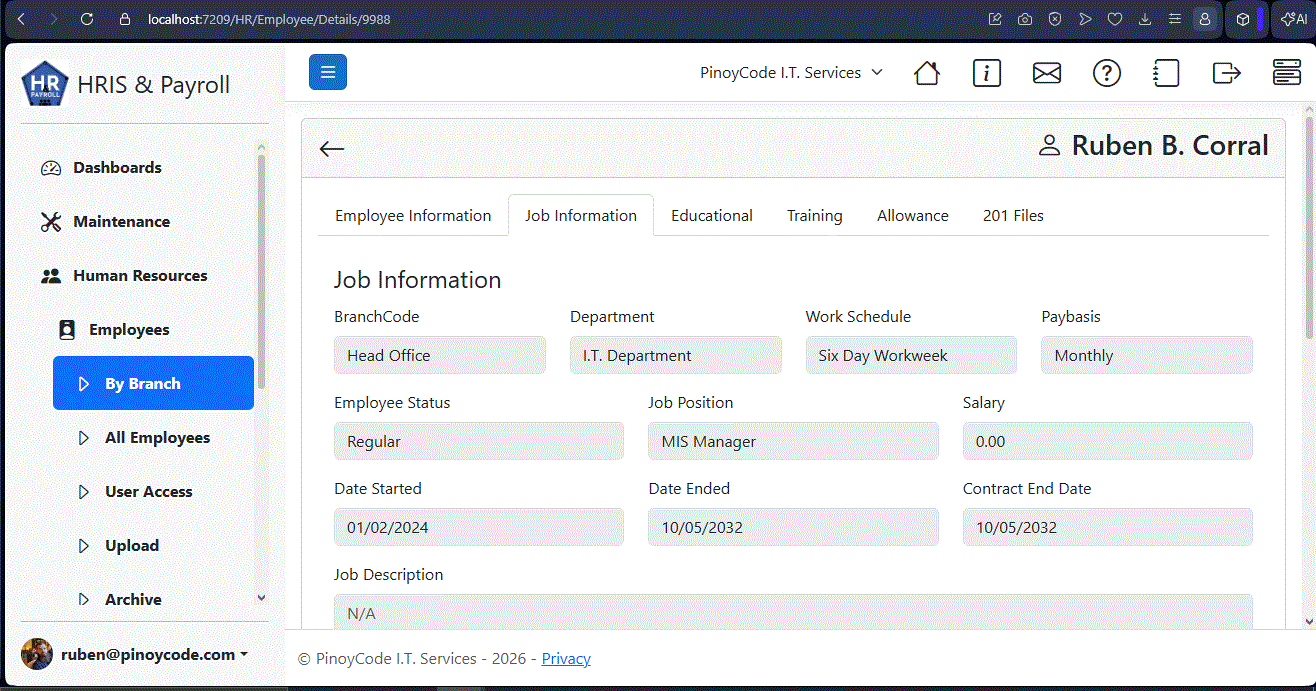
This module serves as the foundation of the system and stores:
A well-designed employee module acts as the single source of truth for all employee-related information.
Timekeeping and Attendance
Attendance data directly impacts payroll calculations. Modern systems should support:
The accuracy of payroll largely depends on the quality of attendance records.
Leave Management
Employees should be able to submit leave requests electronically while managers can approve or reject requests through a workflow.
Common leave types include:
Integration with payroll ensures unpaid leaves are reflected correctly during payroll processing.
Payroll Processing
The payroll module calculates:
This is often the most complex module in the entire system.
When building an HRIS using ASP.NET Core, a layered architecture provides maintainability and scalability.
Presentation Layer
Technologies:
Responsibilities:
Application Layer
Contains:
Examples:
This layer should remain independent of the database implementation.
Technologies:
Responsibilities:
Recommended database:
Key tables:
Proper indexing is crucial for payroll processing performance.
Many HRIS systems serve multiple companies or branches.
Consider implementing:
This architecture allows a single application instance to serve multiple organizations efficiently.
HR and Payroll systems contain highly sensitive information.
Implement:
Role-Based Access Control
Examples:
Each role should only access data relevant to their responsibilities.
Data Encryption
Protect:
Use:
Audit Trails
Record:
Audit logs help maintain accountability and compliance.
One of the biggest mistakes developers make is hardcoding payroll rules.
Instead:
Use Configurable Payroll Rules
Store:
inside database tables.
This approach allows updates without code deployment.
Separate Calculation Logic
Avoid placing calculations inside controllers.
Create dedicated services:
This makes testing and maintenance easier.
For Philippine-based businesses, payroll systems should support:
As organizations grow, payroll processing can involve thousands of employees.
Consider:
Database Optimization
Caching
Use:
for frequently accessed reference data.
Background Processing
Long-running payroll operations should be handled using:
This prevents users from waiting for payroll computations to complete.
A modern HRIS should provide actionable insights.
Examples:
HR Reports
Payroll Reports
Executive Dashboards
Data visualization improves decision-making.
Modern HR systems rarely operate in isolation.
Common integrations include:
ASP.NET Core Web APIs make these integrations straightforward.
Technology and business requirements continuously evolve.
Consider implementing:
Building with extensibility in mind helps avoid costly redesigns later.
Building a modern HRIS and Payroll System in ASP.NET Core requires more than simply storing employee records and calculating salaries. A successful solution combines scalability, security, compliance, performance, and user experience.
By adopting a layered architecture, implementing configurable payroll rules, securing sensitive data, and designing for future growth, developers can create enterprise-grade HR and Payroll systems capable of supporting organizations for years to come.
Whether you’re developing an internal HR platform or a commercial SaaS solution, ASP.NET Core and SQL Server provide a powerful foundation for building reliable and scalable workforce management applications.